




Goldzino App
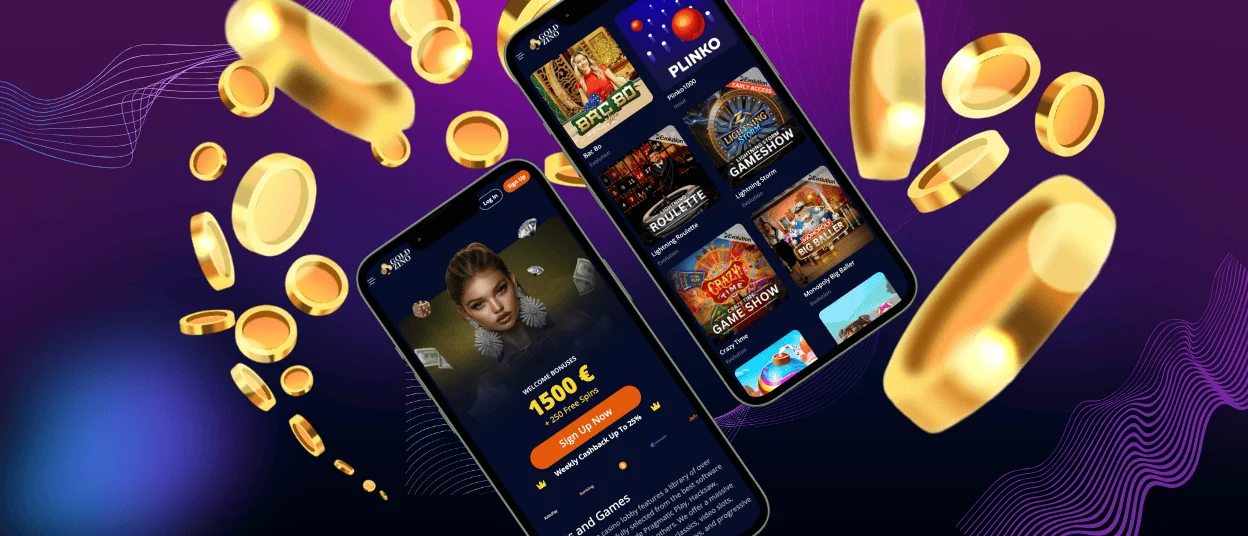
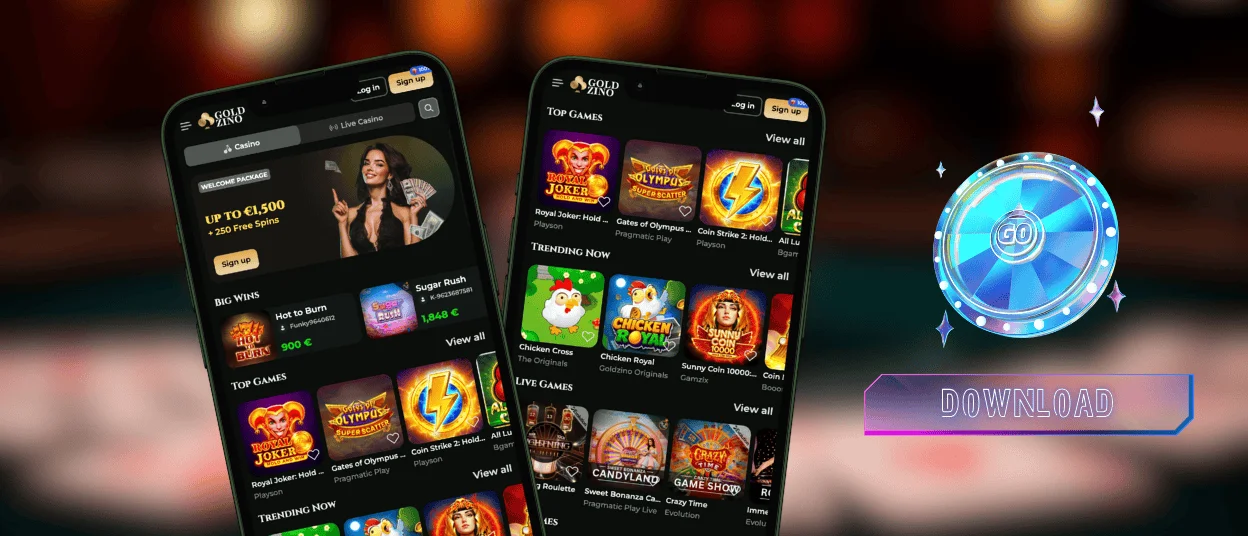
The Goldzino app allows for quick access to your casino account on iOS, Android, and desktop. It includes all the same features as our web platform along with the full game collection, with over 6,000 titles.
Our mobile solution is not a traditional downloadable app but a progressive web application (PWA). All you need to do to make use of it is add the Goldzino Casino icon to your home screen and then get to the lobby in just a click. This way, you can easily enjoy all the same core features even while traveling around.



Goldzino App Features
You can play Goldzino Casino on your phone whenever it’s more convenient. The PWA opens straight into the lobby, and you can jump to the cashier or your account from the same place.
Here’s what you can do using the app:
- Browse the lobby: slot games, jackpots, and live casino tables.
- Deposit and withdraw money using the same payment methods as on desktop, including cards, e-wallets, and crypto.
- Get help 24/7 via live chat or email.
- Claim our welcome package, cashback, and reload promos with free spins.
- Get back to your favorite games faster.
We keep the layout focused on the essentials, so the casino experience feels familiar if you’re coming from the desktop. If you’re new, the registration process starts on our official website, and you can continue in the PWA without switching devices.
Quick Comparison: Mobile and Desktop
Below is a quick comparison of shortcut setup by platform. It shows how you add the PWA and what access you get from the saved icon.
| Platform | Format | How do you add it? | One-tap access | What do you get? |
| Android | PWA shortcut | Chrome: Add to home screen | Yes | Full Goldzino Casino lobby and cashier, with customer service available in a mobile-friendly layout |
| iOS | PWA shortcut | Safari: Add to home screen | Yes | Full lobby and account tools, launched from a home screen icon |
| Windows and macOS | Desktop PWA | Install from your browser or create a shortcut | Yes | Launch from a desktop shortcut with full site features |
Goldzino App for Android
If your device runs on Android 8.0+, you can use our PWA on both smartphones and tablets. Verification follows the same flow as the desktop version. You can access the lobby and cashier, and you can request withdrawals in the same flow.
How to install our app for Android:
- Open Goldzino Casino in Chrome
- Tap the three-dots menu
- Choose “Add to Home Screen” and confirm
Android players can add the app straight from our official website. There’s no Goldzino APK to download. The PWA gives you one-tap access from a home screen shortcut without extra files.
Goldzino App for iOS
iOS players can get our PWA in Safari and add it as an icon to the home screen. Here’s how you can install our app in a minute for iOS:
- Open the Gold Zino website in Safari
- Tap Share (the square icon with an upward arrow)
- Select “Add to Home Screen” and confirm
Once you save it, you can launch the Gold Zino app in one tap and access games and payments. Support stays one tap away.
Goldzino Casino Desktop App – Windows and macOS
Goldzino Casino is compatible with Windows and macOS alike. You can open it in any browser – the website design will adapt to your screen size automatically, allowing for a seamless gaming experience.
Desktop access is better than mobile when you need to type something. For example, when you enter a promo code or confirm a withdrawal. A mouse and keyboard also make it easier to navigate the lobby in an online casino on desktop.
However, for faster access, you have an option to add the Gold Zino PWA to your desktop. It creates a shortcut that you can click once to open the casino directly instead of searching for it in the browser.

FAQ
Can I get customer support in the Goldzino Casino app?
Our support team is available 24/7 via live chat and email in the app and on our official website. If you have an issue with a payment, tell us whether it is a deposit or a withdrawal and add a screenshot when possible. For account access or promos, we can help there too.
Are all games available in the app?
The app opens the same lobby you use on desktop, so the catalog stays consistent on iOS and Android, Windows, or macOS. Pragmatic Play and Evolution appear across many sections. Playson, BGaming, and Spinomenal show up in the rotation as well.
How to update the Goldzino Casino app?
We ship updates automatically through our official website. You don’t need to install updates manually. When you open the app, you use the current version, so improvements and new content appear without extra downloads.
Is the Goldzino app safe to use?
We use TLS encryption to protect player data and transactions. Our systems follow the policies of the Anjouan eGaming regulation to support privacy, fair play, and responsible gaming.


